
TLDR: A little over a week ago, I talked about conceptualizing a game using AI. Since then, I’ve been hard at work with my agent Chintu, Claude Code, and Codex building this game. It’s been an interesting journey. Starting from a 2D, top-down prototype, to a rear view to bring a bit of depth into the world, to using real 3D models and sounds to bring the idea to life. Today, I’m happy to announce the iOS public beta of the game, with an Android one on its way. Give it a go and let me know what you think! Read on to find out more about how this game was built and the obstacles my agent team and I faced along the way.
- 🍎 iOS public beta (TestFlight): https://testflight.apple.com/join/Zgn6udB4
- 🤖 Android (open testing, coming soon): Google Play opt-in
- 📝 Read the concept-art write-up that started it all: Using AI to conceptualize a game
Picking an agent-friendly engine
The very first decision was which engine to build in. My one hard requirement was that it had to be something my agent could actually drive. A lot of the popular engines lean on a GUI and an account login for every build. This is fine for a human clicking around but doesn’t work for an agent working over a chat channel.
I asked Chintu to help me pick an engine that was agent-friendly, and we landed on Godot 4. Its scenes are plain text files Chintu can read and edit directly, it plays nicely with git, it’s free, and it builds from the command line with no account or GUI in the loop. That meant Chintu could make a change, build it headless, and hand me something to look at.
From top-down to a rear-view runner
The first playable prototype was a 2D, top-down view. The auto rickshaw was seen from above, dodging traffic, kind of like the first version of Grand Theft Auto. It worked, but it didn’t feel like the endless runners that inspired this (Temple Run, Subway Surfers). Those games put you right behind the character, looking down the road as the world rushes toward you.
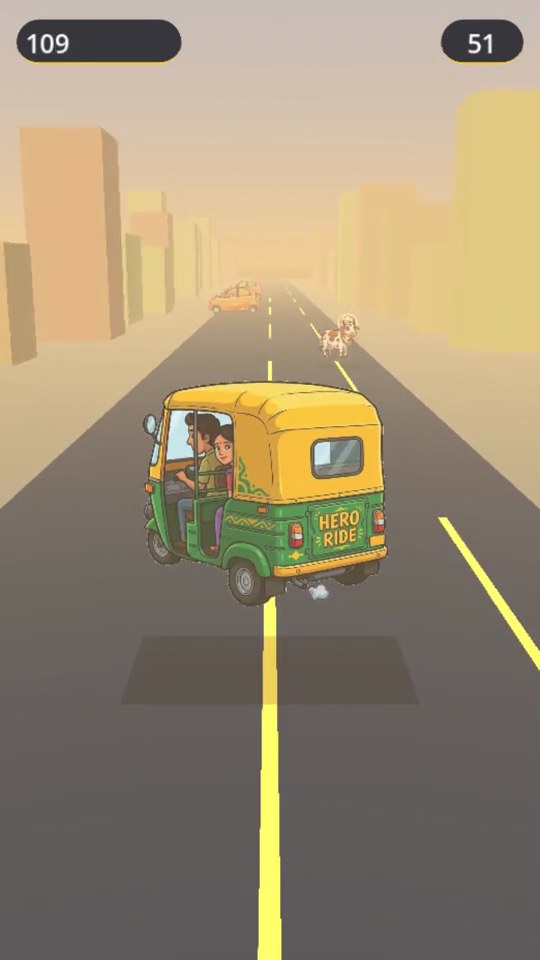
So we evolved it into a rear, slightly-elevated chase view. That single change brought depth into the world: a road that crests toward a vanishing point, buildings and a skyline at the horizon, and props that scroll past on either side. Suddenly it read as an endless runner instead of a tabletop dodge game like Frogger.
Building and testing on real devices
Once there was something worth playing, I wanted to try it on actual phones to understand the performance on a real device. We set up a hands-off release pipeline early:
- iOS → TestFlight, mirroring the flow I’d already built for my TokenCounter app — a build is signed and uploaded to App Store Connect automatically, and TestFlight pushes it to my phone.
- Android → Google Play internal testing, the same idea on the other platform.
The payoff is that I never plug in a cable. I (or Chintu) kick off a build, and a few minutes later the new version just shows up on my devices, ready to test.
A phone for the real target market
iOS is where I test day to day, but the real audience for a game about Indian streets is India, and India is an Android country. To test on hardware my actual players would use, I asked Chintu to help me figure out which phone to buy. We went by what’s genuinely popular in that market and landed on the Samsung Galaxy A36, a mainstream mid-range phone that’s a fair representation of what a lot of people in India will actually play this on.
Filling the world with life
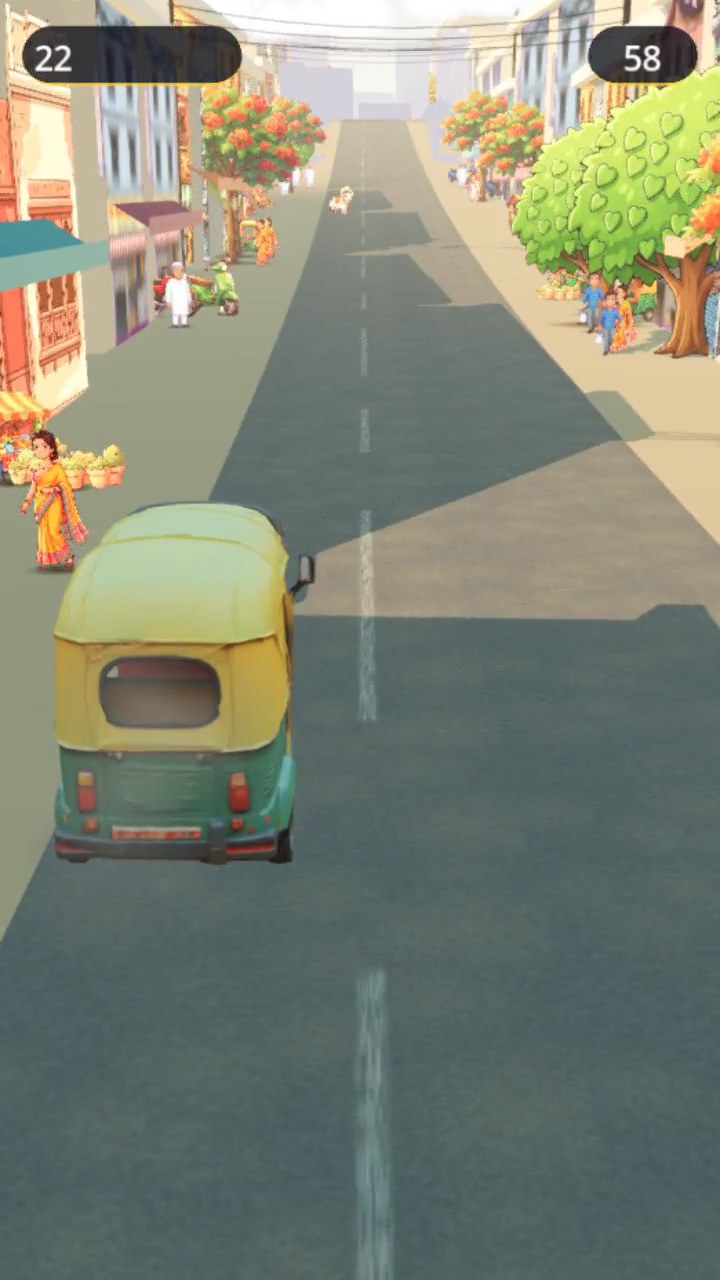
A street game lives or dies on atmosphere. We leaned hard on AI-generated assets to fill the world:
- Smoke and effects woven into the scene.
- Roadside life with people and objects lining the street, buildings, the sky, and birds overhead.
- Overhanging cables, cows, a police constable, and a fleet of other cars, trucks, and buses. Plus, some VIP vehicles for that babu-convoy chaos from the concept video!
Each of these started as a generated asset in Gemini, cleaned up and tuned to fit the look.
Going 3D with the rickshaw and the cows
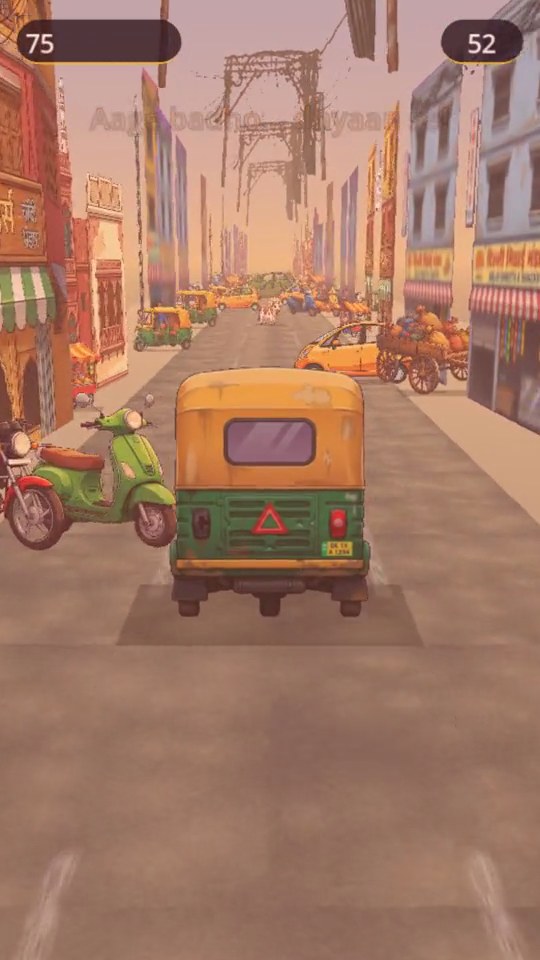
The hero of the game is the auto rickshaw itself, and for a long time it was a flat 2D sprite. The problem showed up the moment it turned. A flat card can only ever fake a turn, so swerves looked like a hard image flip instead of a vehicle actually banking. After trying hard to make the 2D version work, we switched the rickshaw to a real 3D model I found on Sketchfab and imported with Chintu’s help (a CC-BY licensed Indian tuk-tuk, credited in the app). Now the auto genuinely rotates as it changes lanes, catches light, and reads as a solid object in the world.
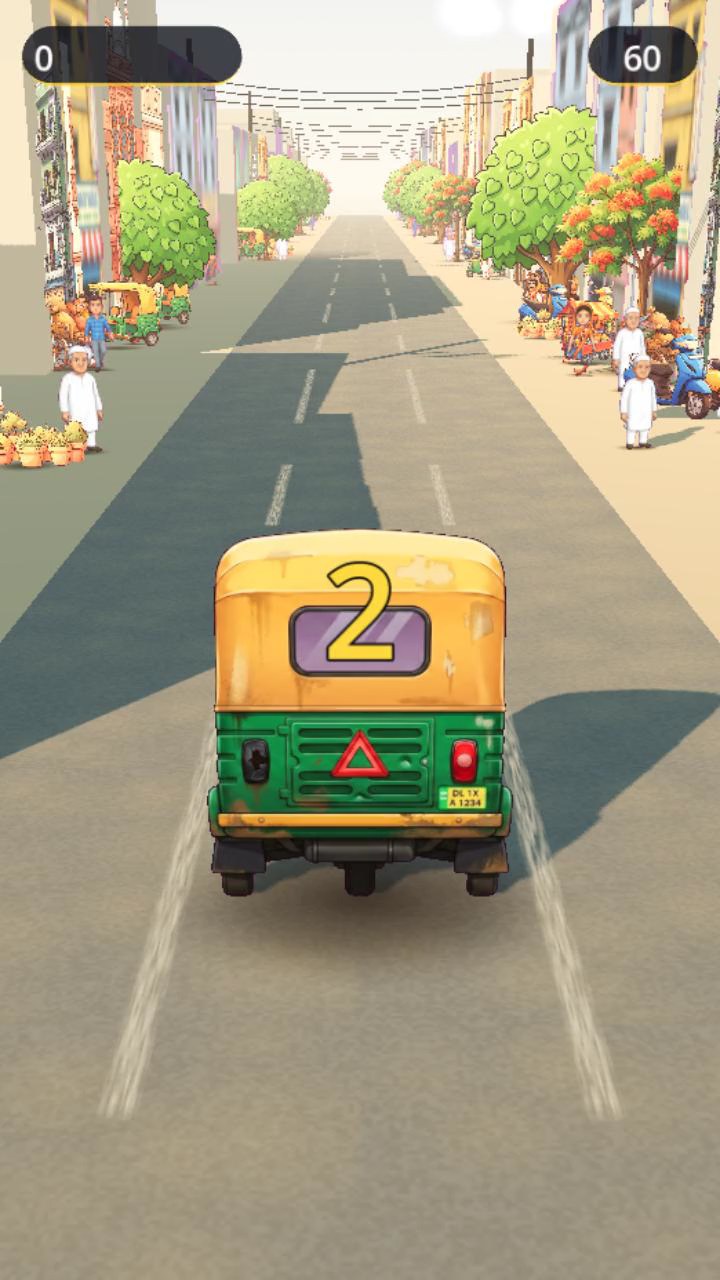
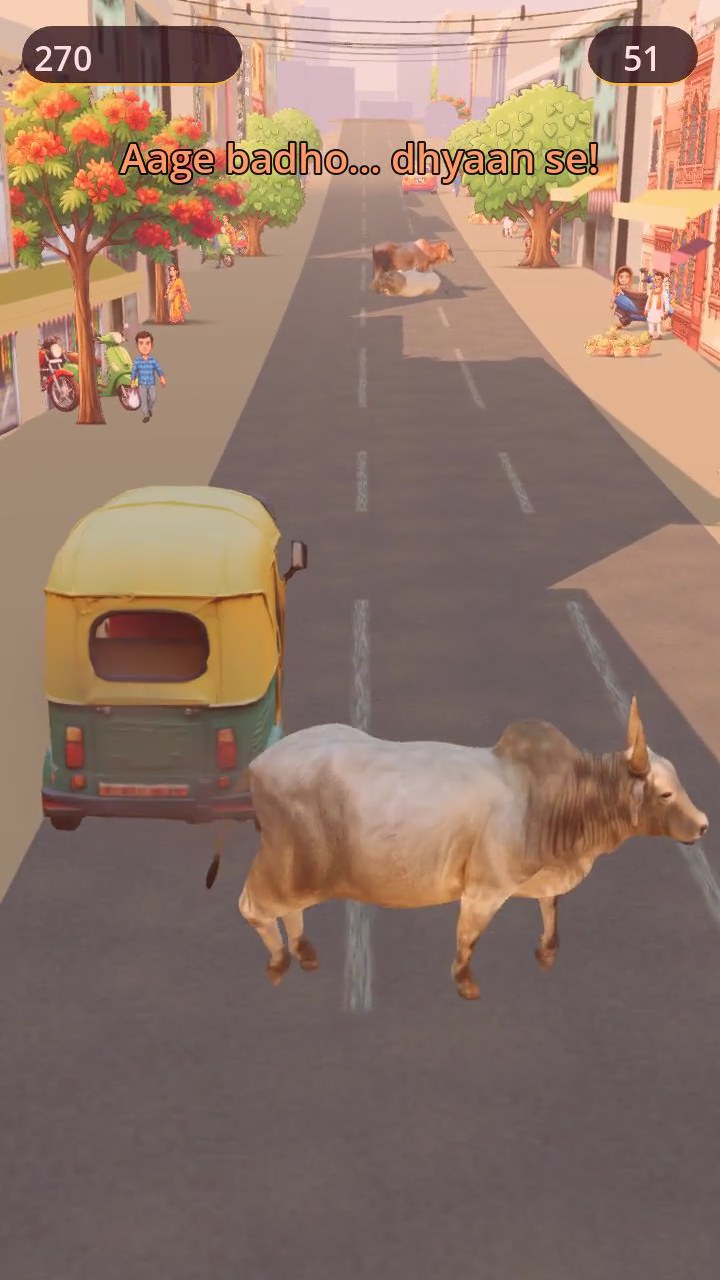
We did the same for the cows. I purchased cow assets from fab.com so we could bring them in as proper 3D models, and we placed multiple cows in different postures, along with a bit of street debris, to show them lounging on the road.
The cow that crossed lanes
At one point we experimented with a cow that would wander across lanes mid-run. On paper it was great. Exactly the unpredictable moment we wanted. In practice it made the game feel too hard so we scrapped it. A good reminder that “more dynamic” isn’t always “more fun.”
The thulla, in force
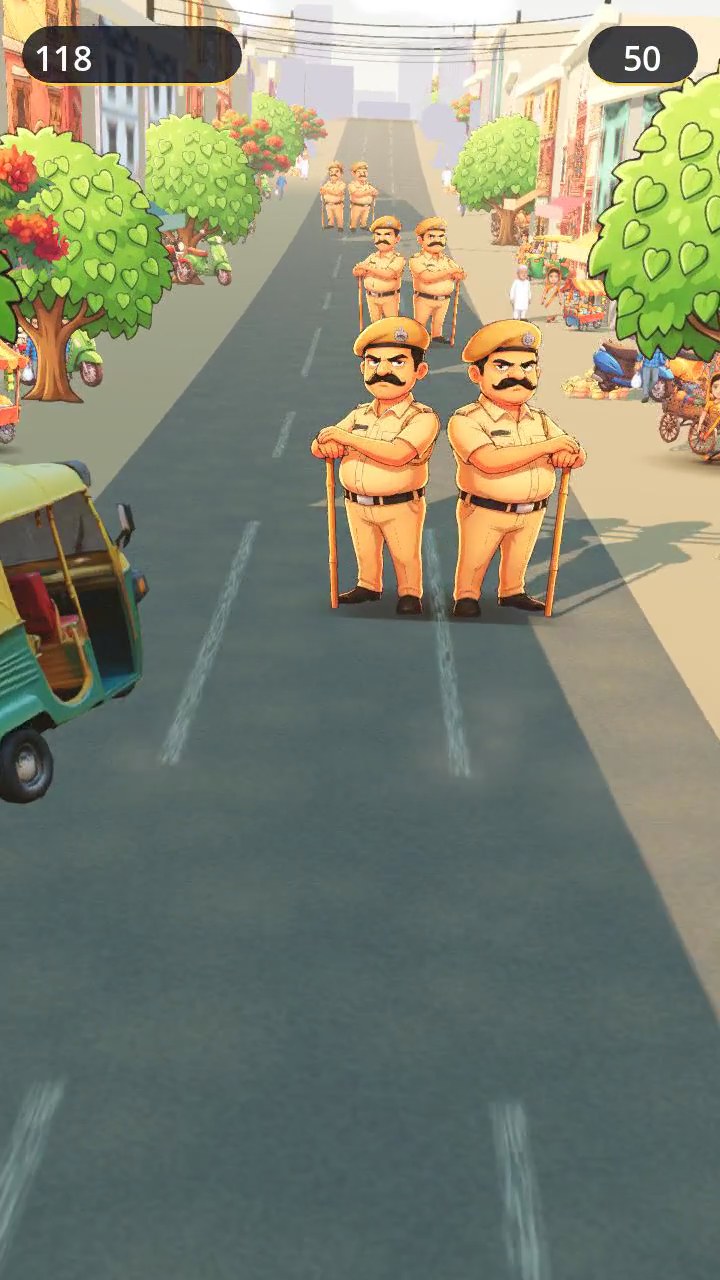
The Delhi Police constable (aka the thulla) is everyone’s favourite character, so we gave him room to shine. We added multiple constables, and sometimes had them appear across multiple lanes at once for a proper roadblock feel. To get him right, I gave Chintu reference images and we fine-tuned the Gemini-generated assets until the cap and posture matched what a constable actually looks like. These are small details but they’re what sell the character.
Screens, music, and sound
A game isn’t just the run — it’s everything around it. We built out the full presentation:
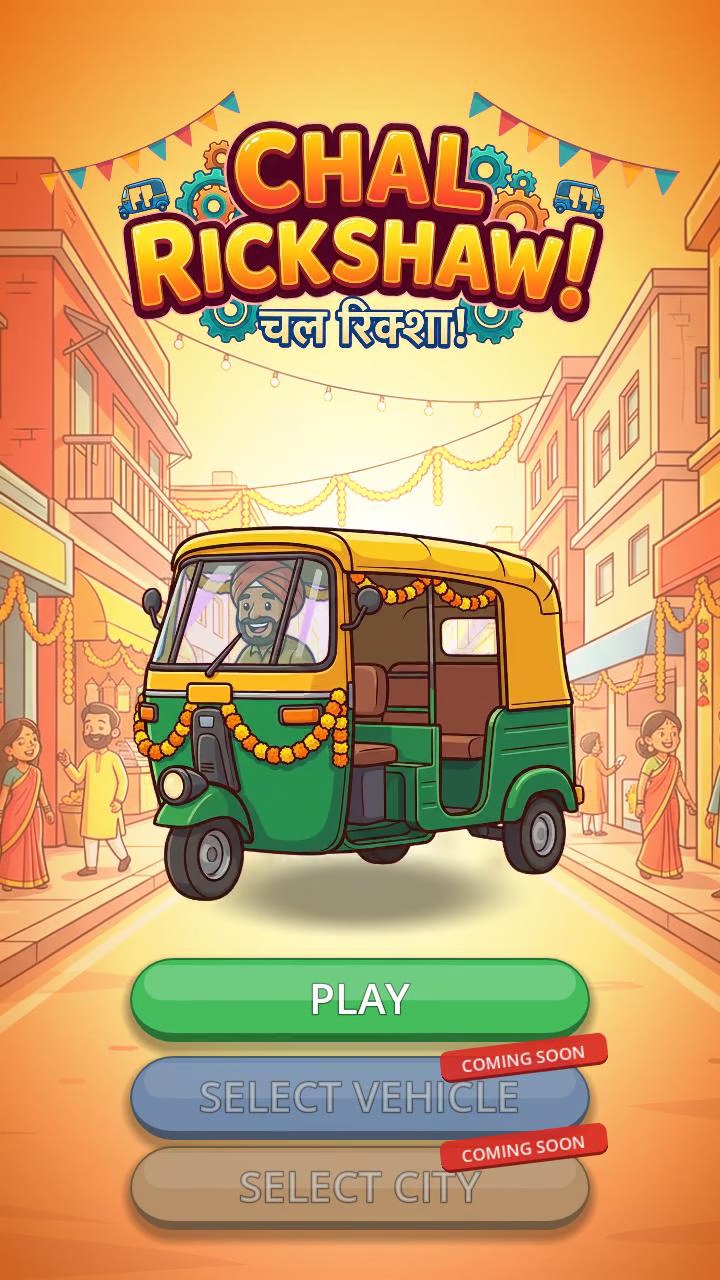
- A title screen that recreates the original concept art, with background music, ambient traffic sound effects, and the unmistakable putter of a running auto rickshaw.
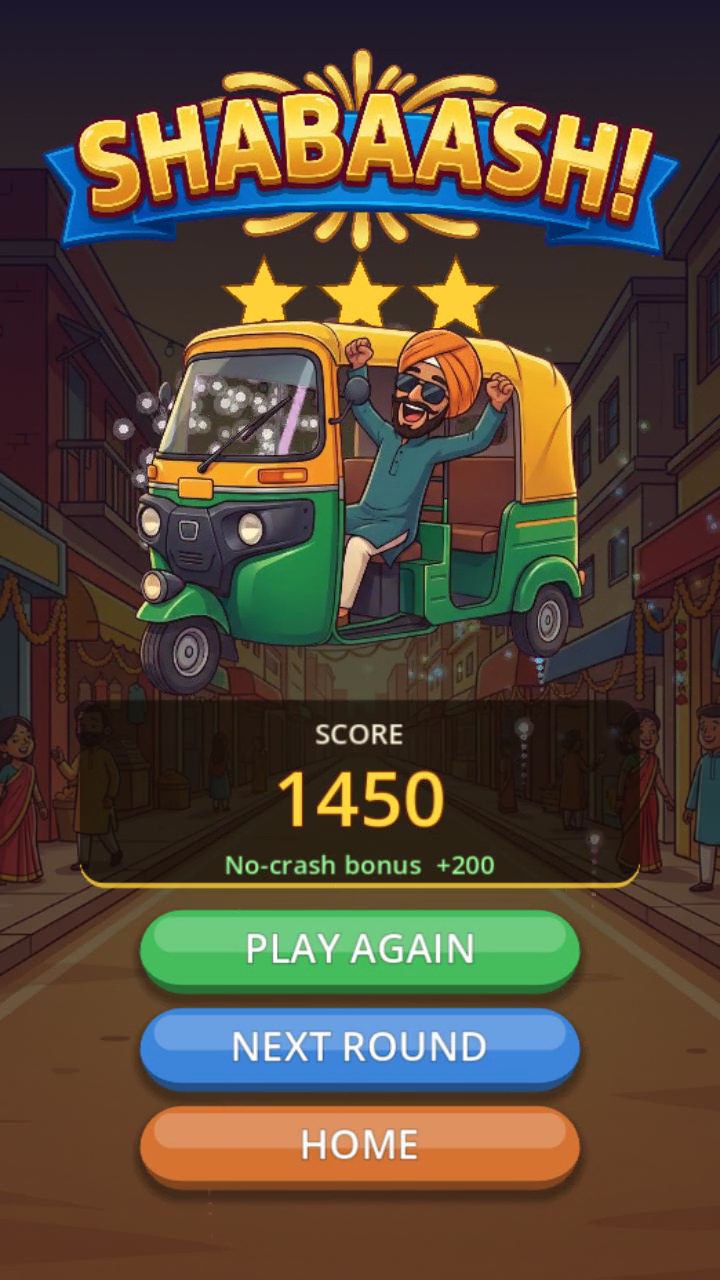
- A round-ending screen with its own music and celebratory firecracker sounds interleaved with each other for that festive, you-survived payoff.
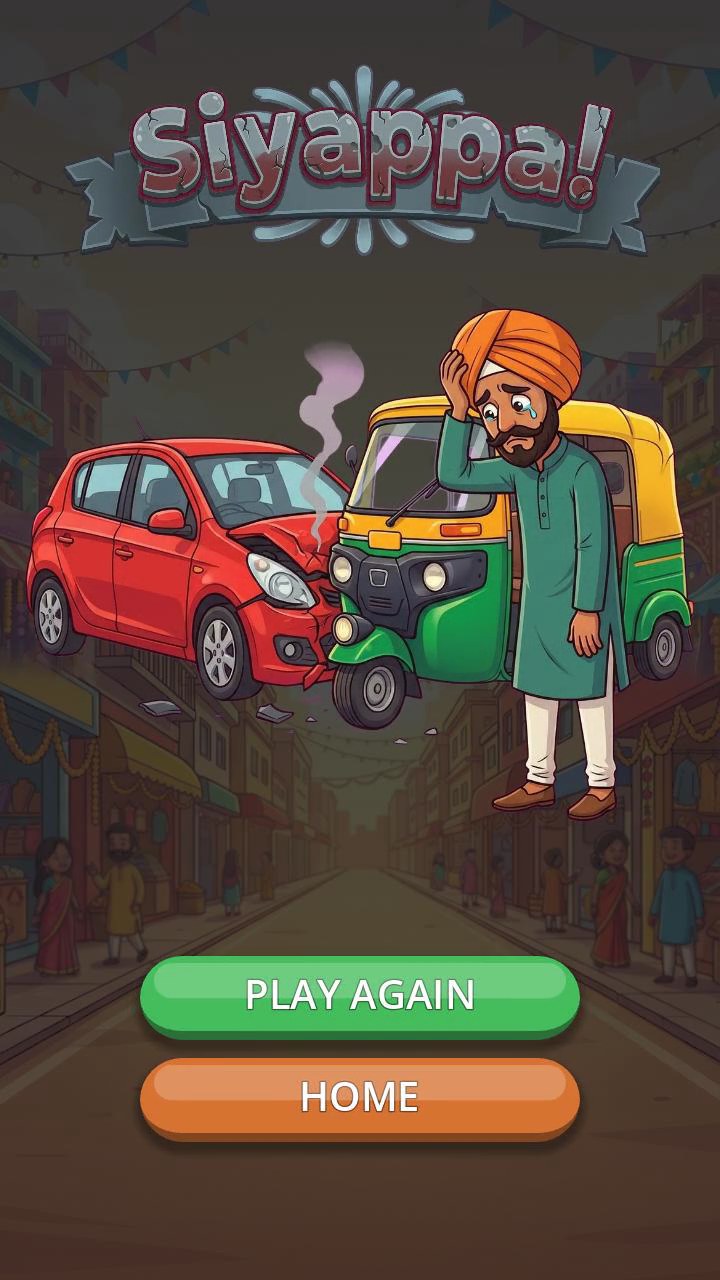
- A loss screen tailored to whatever the player crashed into — a bus, a truck, or a car each get their own ending. We then built the in-game collision sequence to lead cleanly into it: the right crash sound and visual effect, then a smooth transition into the matching loss screen.
Give it a go
That’s the journey so far — from a top-down dodge prototype to a 3D, sound-rich endless runner you can actually play on your phone. The iOS public beta is live now, and Android open testing is right behind it.
- 🍎 iOS (TestFlight): https://testflight.apple.com/join/Zgn6udB4
- 🤖 Android (coming soon): Google Play opt-in
Play a few runs, dodge a few cows, and let me know what you think. Chal Rickshaw!